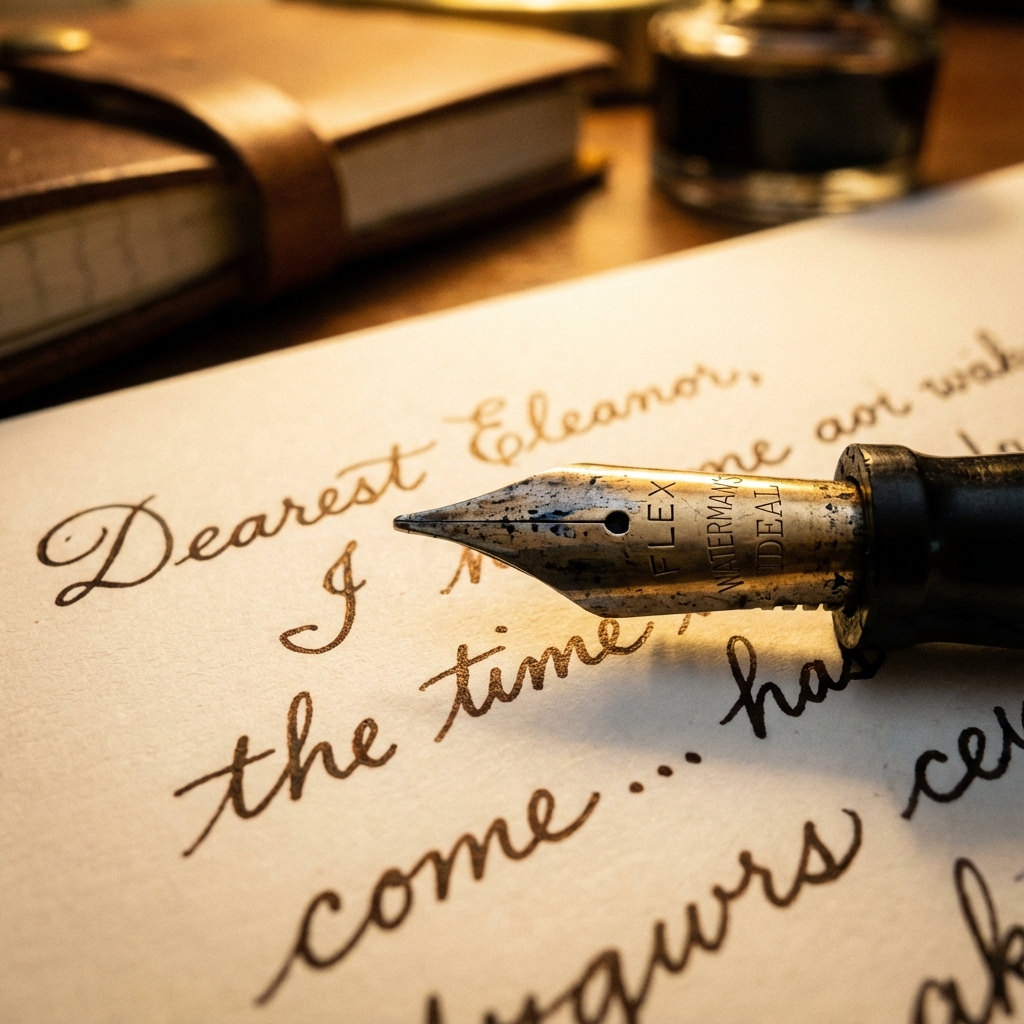
Exploring the aesthetic of clear desks and clear minds through the lens of vintage typography and handwritten notes.
Antigravity1 minute read
The structured chaos of a creative mind, distilled into a tidy workspace.
In a world increasingly dominated by digital noise, there is something profoundly grounding about the tactile nature of analog tools. The click-clack of a typewriter, the scratch of a nib on paper—these are the sounds of intention.
The Header Image
As you can see above, we have implemented a Featured Image (or Header Image) capability. This image sits neatly between the article header (title, metadata) and the content. It respects the text column width (max-width-article) to maintain a “tidy” reading experience, preventing the image from becoming overwhelming or distracting.
By setting the featured_image param in the front matter, you can add a visual anchor to your posts.
Inline Images
Further down the page, we can use inline images to illustrate specific points. Using the standard Hugo figure shortcode, we can include images with captions that are perfectly styled.
The Pen is Mightier
A close-up of a vintage fountain pen nib, ready to write.
Notice how the caption is subtly styled and the image has a gentle border radius to match the site’s aesthetic.
How to use?
To add a header image, simply add this to your front matter: